Flying Car AI Video Prompts: 9 Stunt Templates Explained
Nine flying car AI templates explained, from ramp jumps and kickflips to Track Mode, plus prompt tips for car swaps that keep paint, wheels and shape intact.

4 min read
Most AI flying car videos are made the same way: a short reference clip supplies the motion and the camera work, and a photo supplies the vehicle. The model's job is to swap one car for another without breaking anything else. Which reference you choose, and how the prompt is written, decides whether the result looks like a clean stunt or a melting toy.
This guide explains the nine stunt templates in our AI flying car generator, what each one is good for, and the prompt rules behind them, so you can pick the right template or write better car-swap prompts of your own.
The nine templates at a glance
| Template | Style | Length · framing |
|---|---|---|
| The Complete Ramp Stunt | Ramp | 14s · 4:3 |
| The Kickflip · Side View | Kickflip | 6s · 16:9 |
| The Kickflip · Head-On View | Kickflip | 8s · 16:9 |
| The Kickflip · Trackside Replay | Kickflip | 8s · 16:9 |
| The Ramp · Full Side View | Ramp | 15s · 16:9 |
| The Ramp · Thruster Close View | Ramp | 10s · 16:9 |
| The Ramp · Overhead Replay | Ramp | 14s · 16:9 |
| Roadster · Track Mode Transformation | Track Mode | 15s · 16:9 |
| Roadster Kickflip · Viral Square Edit | Popular edits | 7s · 1:1 |
How template-based car swaps work
Each template pairs a reference video with a prompt. The prompt tells the model to follow the reference's motion, timing and camera exactly, and to replace only the hero vehicle with the one in your photo. Everything else (the ramp, the lights, the parked cars, the vapor) stays where it was.
That is why you never have to write a prompt yourself: every template already contains one. Knowing what's inside still helps you choose the right template and the right photo.
The ramp templates
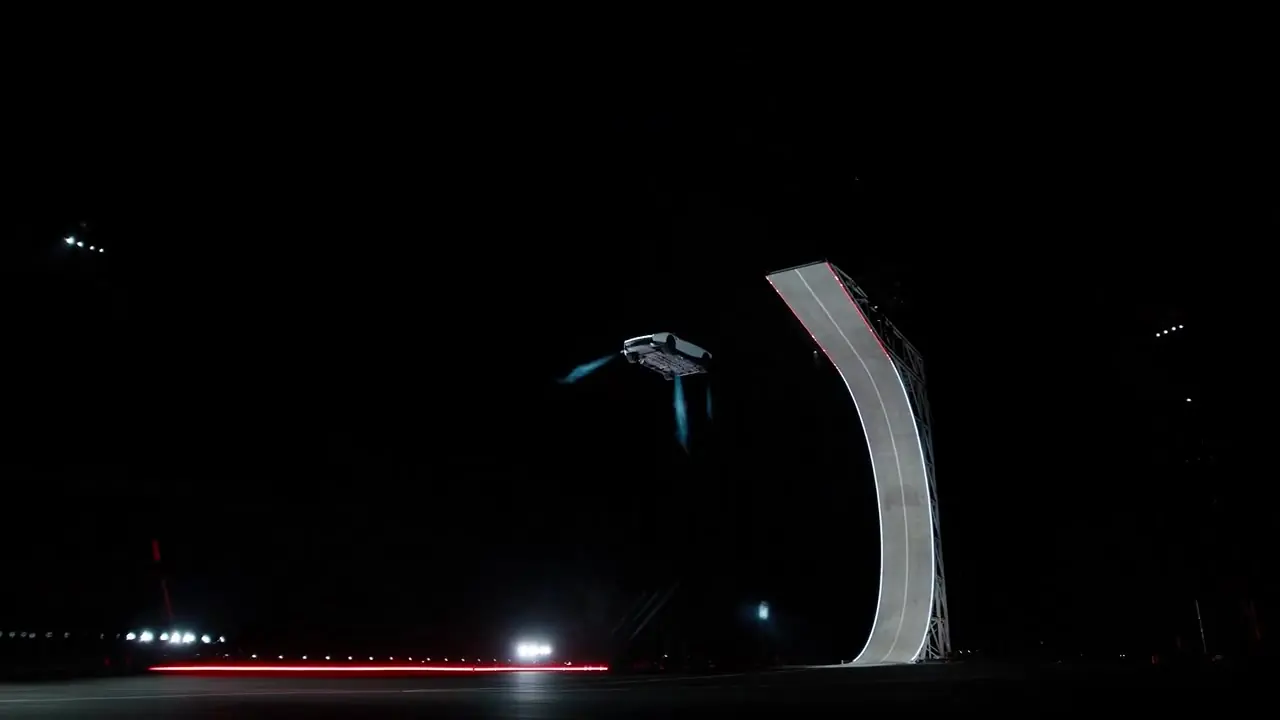
Four templates are built around a tall curved ramp with red edge lights.
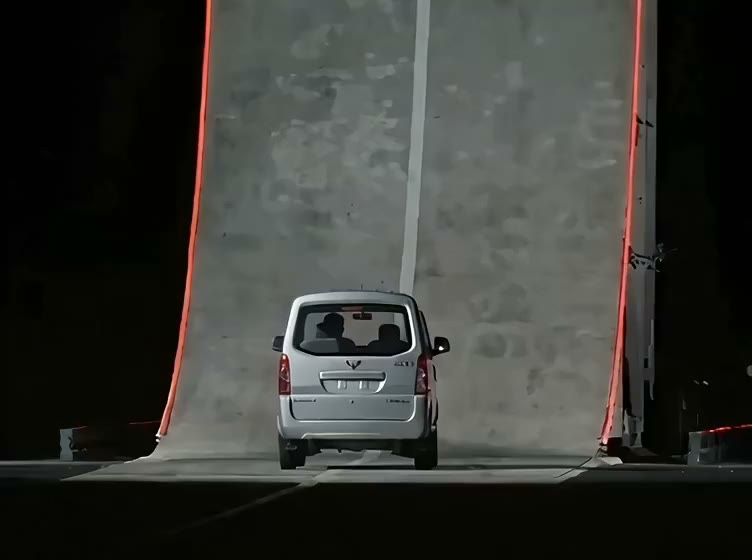
The Complete Ramp Stunt
The whole sequence in one clip: the climb up the curved ramp, a single mid-air flip and a smoky landing. It tells the most complete story and makes a great first video. Unlike the other eight, its reference is a sample clip rather than Tesla footage.
Full Side View
A wide, fixed camera follows the car up the ramp, off the lip and through a controlled roll back to level before it settles onto the test pad. Choose it when you want the whole arc in view.
Thruster Close View
A tighter angle near the top of the ramp. The car rotates away from the wall, levels out and slows its descent on visible downward gas jets. It is the best template for showing off a car's shape and paint, and because the car fills more of the frame, it rewards a sharp photo.
Overhead Replay
A top-down view of the whole test pad: the curved wall, the airborne path and the landing spot under a spreading plume of vapor. It feels like an establishing shot, and since the car is small in the frame, minor photo flaws matter less.
The kickflip templates
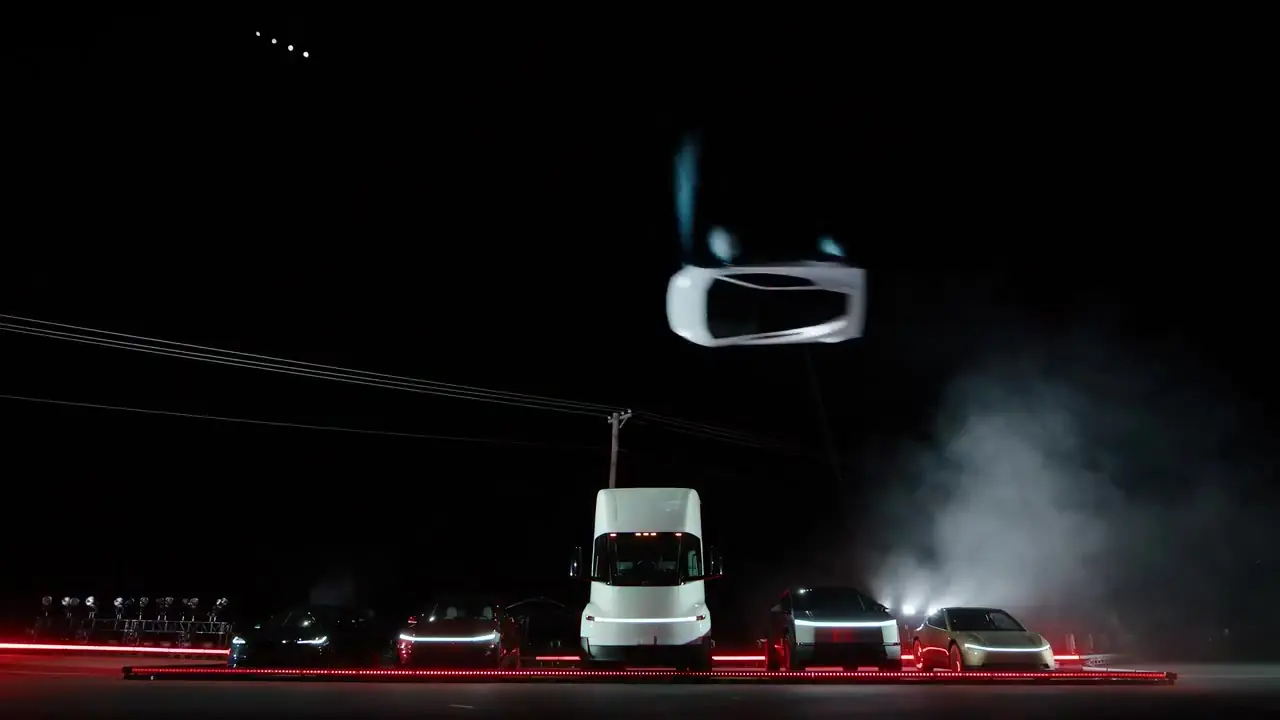
Three templates follow the moment the Roadster rose above a row of parked vehicles, a Tesla Semi among them, rolled once and came down in pale vapor.
Side View
The car accelerates in from the left, lifts over the lineup on cold-gas jets, rolls and lands on the far side. Short and clear, this is the classic Tesla flying car video moment.
Head-On View
The car comes straight at the camera along the center line and rolls above the obstacles. It looks dramatic on a phone and is a strong pick for vertical 9:16.
Trackside Replay
A low trackside angle under night floodlights: lift-off, one sideways roll, leveling out and touchdown. It feels like a replay seen from the stands.
Track Mode and the viral square edit
Track Mode Transformation is the odd one out, because there is no flight at all. It is a studio visualization in which the car lowers itself and deploys a rear wing and small active aero panels. Use it when you want a sleek, product-style clip of your own car.
Viral Square Edit recreates the short square social cut of the kickflip: front view, trackside roll and vapor-covered landing, with quick cuts. It suits feeds where square video fits best.
Prompt tips for reference-video car swaps
Whether you are curious how the templates are written or experimenting with other Tesla Roadster AI tools, these rules make the biggest difference:
- Give each input one job. State that the reference video controls the motion, scene and camera, and the image controls the vehicle. Mixing those roles confuses the model.
- Protect the car's identity. Ask the model to preserve the paint, body shape, wheels and proportions "throughout", including during the roll. That word matters, because most failures happen mid-rotation.
- Fix the camera. Describe the camera as fixed, or as matching the reference. Free camera moves invite the model to reinvent the scene.
- Replace only the hero vehicle. The parked cars, the Semi, the ramp and the lights should stay exactly as they are.
- Rule out the usual inventions. Explicitly exclude wings, flames, extra flips, new captions and logos. Without that line, models love to add rocket fire.
- Keep the timing. Ask for the original action sequence and pacing, so the stunt neither drags nor skips ahead.
A good prompt reads less like a creative brief and more like a list of constraints. The creativity comes from your car.
Which template should you pick?
- A first video with any car: the Complete Ramp Stunt.
- TikTok or Reels: the Head-On kickflip in vertical 9:16.
- Showing off paint and shape: the Thruster Close View or Track Mode.
- Context and scale: the Overhead Replay or the Full Side View.
Still deciding? Watch every reference clip in the template gallery, follow the guide on how to make an AI flying car video, or find out what Tesla actually showed on October 15. When you're ready, upload your photo and pick a stunt.
Videos made with AI Flying Car are AI-generated remixes, not real footage. AI Flying Car is an independent tool and is not affiliated with Tesla or SpaceX.
Back to blog