Your car photo
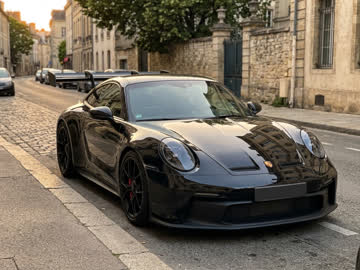 Uploaded
JPG, PNG or WebP · up to 10 MB
One clear photo of your car. A side or three-quarter view works best.
Make your own Tesla Roadster AI video from one photo of your car: pick a flying car stunt like a ramp jump, a mid-air kickflip or a track-mode transformation.
One photo. 9 ways to make it fly.
Selected: The Complete Ramp Stunt· 14s · 4:3
Photos are checked when you generate, before any credits are charged
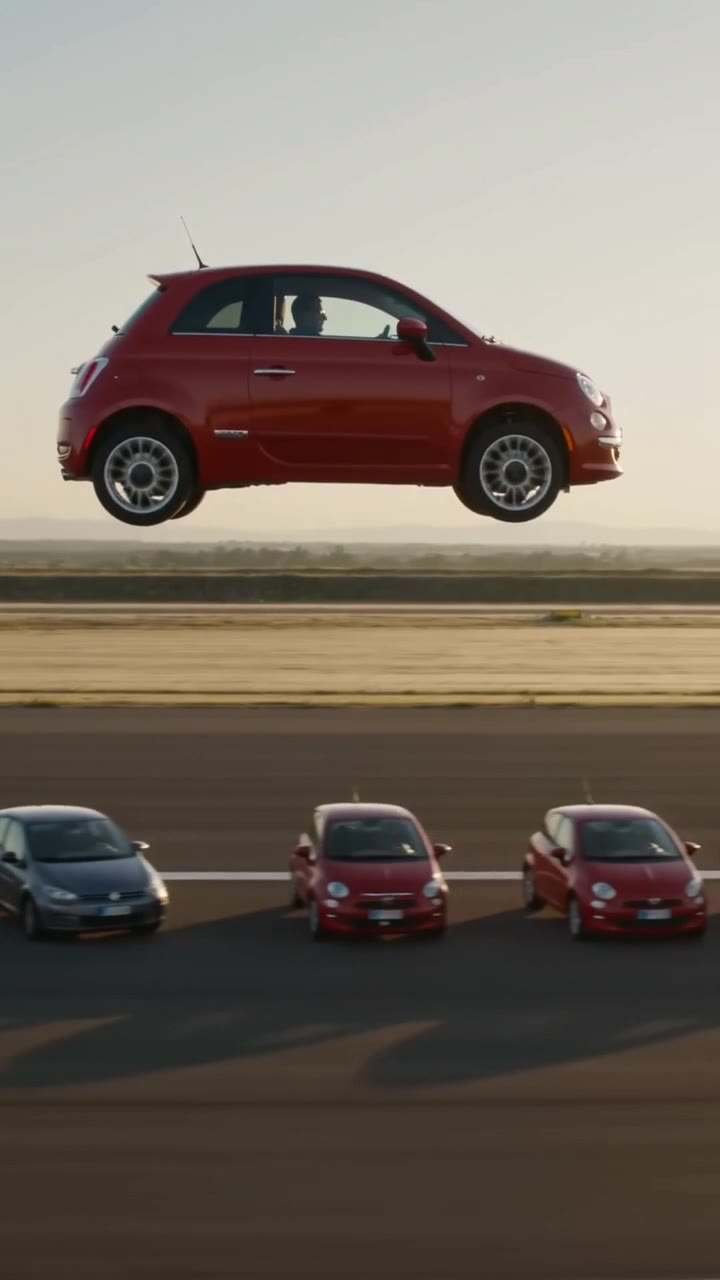
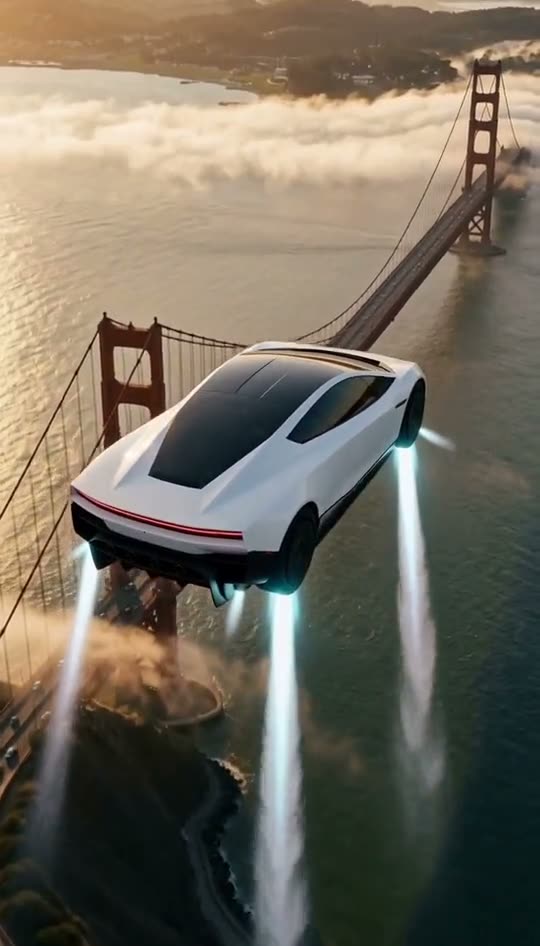
Vertical 9:16 flying car videos for TikTok, Reels and Shorts, plus landscape Roadster-style ramp jumps. Tap any clip to watch it full size, then upload one photo of your car to make your own AI flying car video. No prompt needed.
Sample AI results for illustration. Your own video depends on your car photo and template.
Upload a car photo and pick a Tesla Roadster-style stunt. The AI keeps the stunt's camera moves and timing and puts your car in the video. No prompt to write, no editing.
UploadedOne clear photo of your car. A side or three-quarter view works best.
Tap a stunt template and its motion drives your video. Nothing to describe.
A 6–15 second silent MP4 of your car's stunt, in 480p or 720p, original framing or vertical 9:16, with no watermark.
Not just cars. Watch a car, a bicycle, a horse carriage and a skateboarder climb the ramp, flip through the air and land in smoke.
About 14 seconds · Landscape
About 15 seconds · Landscape
About 14 seconds · Landscape
About 14 seconds · Landscape
Sample AI videos for illustration. Your flying car video will be silent.
Upload one car photo, choose quality and format, then download your flying car video.
 01
01Choose a clear photo of your car with the whole body and wheels in frame. A bicycle, carriage or other subject works too.
JPG, PNG, WebP · Up to 10 MB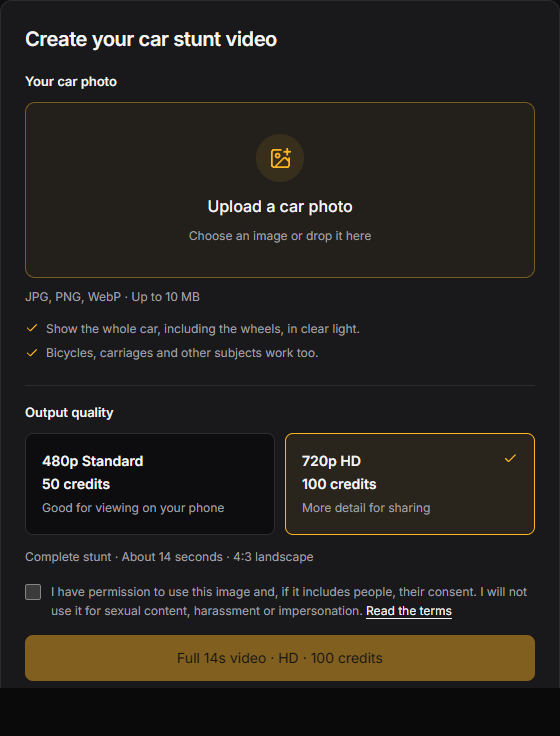 02
02Pick 480p or 720p and an output format: the template's original framing or vertical 9:16. Confirm you can use the image, then generate the flying car video.
6–15 seconds · Original or 9:16 · Silent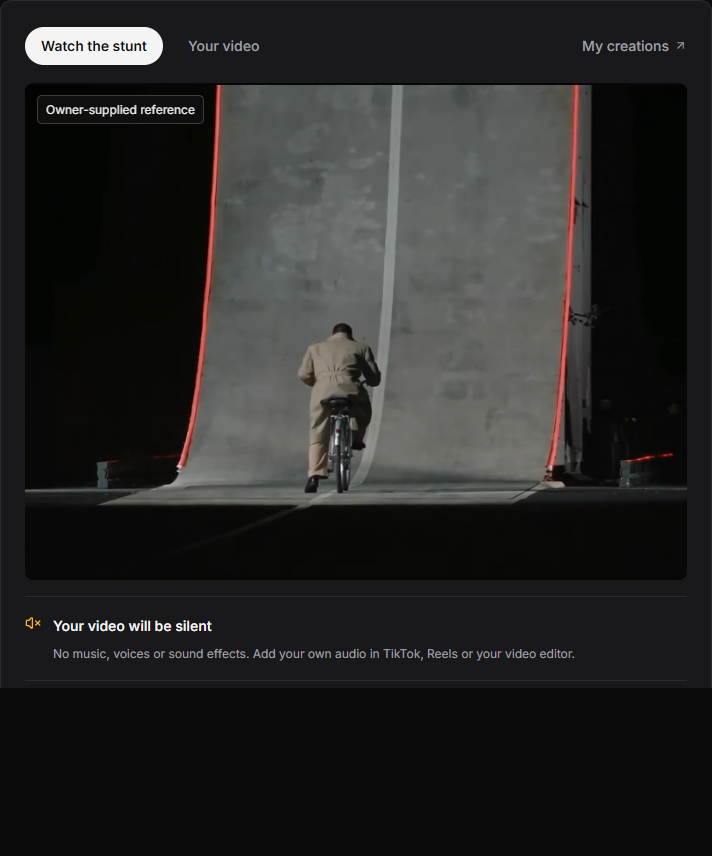 03
03Watch the finished flying car video here or in My creations, then download the MP4. Add music in TikTok, Reels or your editor before you post.
Preview · Download · Add your own audioNo prompt to write. No reference video to upload.
Everything you need to turn a parked car into a post-ready stunt video, with nothing to subscribe to.
Switch to 9:16 and your car's flight fills the screen on TikTok, Instagram Reels and YouTube Shorts. Or keep the template's original framing.
Ramp jumps, mid-air kickflips and thruster landings, ready for your car.
Upload a car photo and pick a stunt. The template supplies the motion and camera.
Buy a one-time credit pack when you want another video. Nothing renews.
If a generation fails, the credits it used go straight back to your balance.
Get your flying car video as a clean 480p or 720p MP4, ready to post.
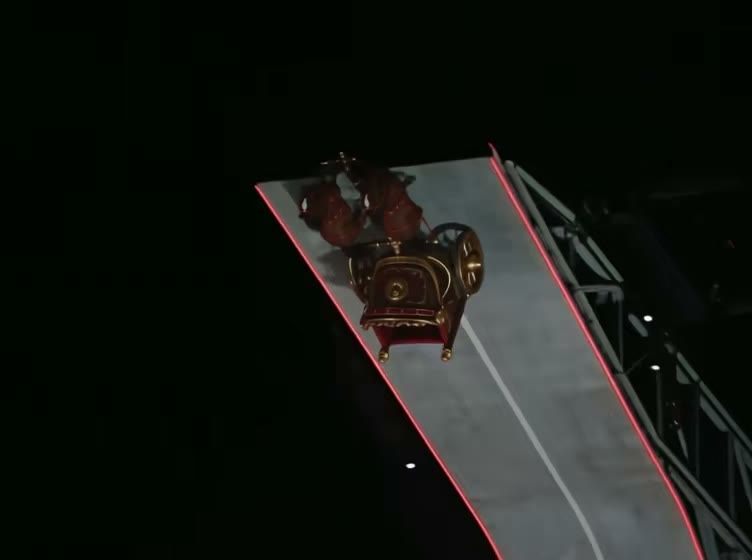
It's a short stunt video that takes your car up a steep ramp, into a mid-air flip and down to a smoky landing. Your photo sets how the car looks; the built-in reference video sets the scene and camera movement.
Your car is the usual star, but a bicycle or horse carriage works too. Use one sharp photo with the whole vehicle in frame. No stunt pose or matching background needed.
Each AI flying car video runs 6 to 15 seconds depending on the template, in 480p or 720p. It's silent, so add music or sound effects before you share it on TikTok or Reels.
Upload my car photoA full 15-second flying car video uses 50 credits in 480p or 100 in 720p; shorter stunts use fewer, from 20 and 40 credits. Packs start at $6.99, paid once with no subscription.
Template clips preview the intended effect, and your own result may differ. Read the photo tips and template notes before you buy.
$6.99
≈ $6.99 per full 15s Standard video
Shorter stunts from ≈ $2.80
50 credits: enough for 1 Standard video (480p) of any template.
Pay once · Credits valid for 1 year
Included in this pack
$9.99
≈ $9.99 per full 15s HD video
Shorter stunts from ≈ $4
100 credits: enough for 1 HD video (720p) or 2 Standard videos (480p) of any template.
Pay once · Credits valid for 1 year
Included in this pack
$16.99
≈ $8.50 per full 15s HD video
Shorter stunts from ≈ $3.40
200 credits: enough for 2 HD videos (720p) or 4 Standard videos (480p) of any template.
Pay once · Credits valid for 1 year
Included in this pack
$24.99
≈ $8.33 per full 15s HD video
Shorter stunts from ≈ $3.34
300 credits: enough for 3 HD videos (720p) or 6 Standard videos (480p) of any template.
Pay once · Credits valid for 1 year
Included in this pack
A full 15-second video costs 50 credits in 480p or 100 in 720p. Shorter templates are prorated by length and rounded up, and the Generate button shows the exact cost before you start.
| Template | Length | Standard 480p · credits | HD 720p · credits |
|---|---|---|---|
| Side kickflip | 6s | 20 | 40 |
| Viral square edit | 7s | 24 | 47 |
| Mid-air kickflip | 8s | 27 | 54 |
| Trackside replay | 8s | 27 | 54 |
| Thruster close-up | 10s | 34 | 67 |
| Ramp stunt | 14s | 47 | 94 |
| Overhead replay | 14s | 47 | 94 |
| Ramp wide view | 15s | 50 | 100 |
| Track mode | 15s | 50 | 100 |
No subscription and no recurring charges. Credits arrive as soon as your payment is confirmed.
AI output can vary. When a generation is confirmed as failed, its credits come back to you automatically. Refund policy →
Ramp jumps, mid-air kickflips and trackside replays across 9 flying car templates. Upload one photo and your car takes the Roadster's place.
Start with your car photo ↗Your car climbs the curved ramp, flips in mid-air and lands in smoke. One photo, one cinematic stunt.
Follow the complete stunt in [Video1]: the subject drives up the tall curved ramp, launches from the lip, completes one controlled mid-air flip, levels out and lands in pale smoke. Replace only the moving hero subject with the vehicle or subject in [Image1]. Preserve its paint, shape, wheels and proportions throughout. Preserve the ramp, red edge lights, fixed camera, ground plane, original action sequence and timing. No new wings, flames, extra stunts, captions or logos.
Side view: your car rises over a parked lineup on gas jets, rolls once in the air and lands in vapor.
Follow this exact side-view reference: the car accelerates from the left, rises on downward cold-gas jets above the parked Tesla lineup, completes one controlled roll, levels out and lands in a cloud of pale vapor on the far side. Preserve the fixed wide camera, night lighting, stationary vehicles, ground plane and original timing. Keep the replacement car coherent in paint, body, wheels and proportions. Do not add wings, fire, text, extra jumps or a new setting. Use [Video1] for motion and scene. Replace the hero vehicle with the subject in [Image1], preserving its appearance throughout.
The kickflip seen head-on, clearing a Semi and a row of parked cars.
Follow the supplied front-facing Roadster clip. Keep the parked lineup and white Semi fixed. The hero car approaches along the center axis, rises above the obstacles on short downward jets, rolls once and descends beyond them. Match the original height, direction, front camera, floodlights, reflections and vapor timing. Preserve the replacement vehicle throughout the rotation. No additional people, logos, flames, invented scenery, extra rolls or camera cuts beyond those present in the reference. Use [Video1] for motion and scene. Replace the hero vehicle with the subject in [Image1], preserving its appearance throughout.
Low trackside replay: one lift, one roll and a landing in vapor.
Recreate the trackside Roadster replay. Keep the parked Semi and lineup unchanged. Follow the short reference sequence: lift, a single lateral roll above the lineup, controlled leveling and touchdown within spreading pale vapor. Maintain the low trackside view, night floodlights, original edit timing and clearance above the obstacles. Preserve the hero car body and wheels without deformation. No flames, wings, extra vehicles, new text or additional stunts. Use [Video1] for motion and scene. Replace the hero vehicle with the subject in [Image1], preserving its appearance throughout.
The wide shot follows the car up the curved ramp, off its lip and down through a controlled roll.
Reproduce the full wide side-view action: drive up the tall curved ramp, follow the curvature toward an inverted attitude, leave the lip, roll back to level in free air, use short downward cold-gas bursts and settle onto the test pad. Match the ramp, fixed camera, dark venue, red edge lighting and source timing. Preserve the replacement vehicle’s geometry, color and wheels. Do not add wings, fire, spectators, impossible extra rotations or different scenery. Use [Video1] for motion and scene. Replace the hero vehicle with the subject in [Image1], preserving its appearance throughout.
A closer angle on the ramp exit: the car turns level and slows its fall on visible gas jets.
Follow this closer original Roadster ramp replay. Begin near the curved ramp lip, show the car departing the wall, rotating toward a level attitude, then using visible downward gas jets to slow its descent before touchdown. Keep the original close camera framing and slow-motion pacing, pale vapor, red lights and ramp in their reference positions. The replacement body, paint and all four wheels must stay coherent. No new wings, flame exhaust, invented cutaways or repeated stunts. Use [Video1] for motion and scene. Replace the hero vehicle with the subject in [Image1], preserving its appearance throughout.
Seen from above: the curved wall, your car's airborne path and its landing spot.
Follow this overhead Roadster reference. Keep the entire test-pad layout, stationary car, curved ramp and red perimeter lighting unchanged. Follow the original path up the ramp, over its edge, through one controlled airborne attitude correction and down onto the marked pad with a spreading vapor plume. Preserve the top-down camera perspective, timing and shadow positions. Maintain the replacement vehicle’s proportions and wheels. Do not change the venue, add extra vehicles or create a second maneuver. Use [Video1] for motion and scene. Replace the hero vehicle with the subject in [Image1], preserving its appearance throughout.
Studio shot: your car drops its ride height and deploys a rear wing for Track Mode.
Match this Tesla Track Mode visualization. Preserve the clean gray studio, the reference camera sequence and deliberate mechanical pace. Lower the car smoothly, then deploy a coherent rear wing and the small active aerodynamic panels shown in the reference, with solid hinges and no melting geometry. Match the side and rear detail framing. Keep the cabin, paint and wheels recognizable. This is a studio product visualization; do not add flight, explosions, wings for aviation, written specifications or unrelated scenery. Use [Video1] for motion and scene. Replace the hero vehicle with the subject in [Image1], preserving its appearance throughout.
The viral Tesla flying car video as a square edit, starring your car.
Follow the supplied square Roadster social edit. Preserve the original sequence of front view, trackside midair roll and vapor-covered touchdown, including the actual cut points and short pacing. Keep the parked cars, Semi, red ground lighting and night setting consistent with the reference. Preserve the replacement car’s paint and shape across shots. No extra stunts, wings, flames, new captions or invented scenery. Return the same square composition. Use [Video1] for motion and scene. Replace the hero vehicle with the subject in [Image1], preserving its appearance throughout.
These clips are source references. Your AI flying car video is built from your photo; results vary.
Pick the right stunt template, follow the workflow step by step, or find out what the viral flying Tesla clip really shows.
Ramp jumps, car kickflips, Track Mode and the viral square edit, plus the prompt rules that keep your car's paint, wheels and shape intact.
Read the guide ↗Choose the right car photo, pick a stunt, set vertical 9:16 for TikTok or Reels, then add music and post your Tesla Roadster-style clip.
Read the guide ↗What Tesla showed on October 15, why AI remakes followed within hours, and six signs that a flying car clip was made with AI.
Read the guide ↗Photos, templates, video specs, credits and payment, posting, and the truth about the Tesla demo.
Still have a question? Get in touchIt's an AI car video generator that turns one vehicle photo into a flying car stunt clip. Each template's reference video sets the motion and camera work, from the ramp climb to the mid-air kickflip and landing, and your photo sets how the car looks. You download a silent MP4 of 6 to 15 seconds.
Just one. Use a sharp, well-lit photo with the whole vehicle in frame, wheels included, ideally from the side or at a three-quarter angle. Cropped wheels, shots through a windshield and heavy filters are the usual causes of warped results. Upload a JPG, PNG or WebP up to 10 MB.
No. Pick a template and upload your photo. Every template already includes its reference video and a tested prompt that keeps the stunt, camera and timing fixed while swapping in your vehicle, so there is nothing to write or film.
Yes. Bicycles, carriages, pets and other subjects can take the hero car's place, so your dog can do the Roadster jump too. Keep the whole subject in frame, and only upload images you own or have permission to use. Results vary with the subject and the picture.
Each flying car video runs 6 to 15 seconds, depending on the template. Keep the original framing or choose vertical 9:16 for TikTok, Reels and YouTube Shorts, and pick it before you generate rather than cropping later. Videos are silent, so add music or engine sounds in your editor.
Videos use credits, charged by template length and quality: a full 15-second video takes 50 credits in 480p or 100 in 720p, and shorter stunts take fewer, from 20 and 40 credits. Packs are one-time payments with no subscription, and purchased credits stay valid for 1 year. See the pricing section above.
The original clips are. On October 15, 2026, Tesla showed a Roadster demo at SpaceX's test site in McGregor, Texas: an unoccupied prototype made a short, thruster-assisted hop and roll, then landed. It didn't fly like a plane. Videos made here are AI remixes, not real footage, and AI Flying Car is not affiliated with Tesla or SpaceX.
You can leave the page and check progress later in My creations. If a generation is confirmed as failed, its credits return to your balance automatically. Don't submit the same video again while it is processing, and if one seems stuck, contact support with your task ID.
Upload one photo of your vehicle, pick a stunt template, then choose 480p or 720p and the original or vertical 9:16 framing. Press Generate, signing in first if you haven't yet. The video is usually ready in minutes: download the MP4 from the result or from My creations, and add music before posting.
Yes. The templates follow the Roadster demo, but the car in your result is the one in your photo, any make or model, from a family hatchback to a pickup truck. The ramp, lights, camera and timing stay put, while your car's paint, shape and wheels carry over into a Tesla Roadster-style video.
There are four styles. Ramp jump templates show the complete stunt, a full side view, a thruster close-up and an overhead replay. Car kickflip templates follow the roll above a row of parked cars from the side, head-on or trackside. Track Mode is a studio transformation with no flight, and the viral square edit recreates the clip everyone shared.
Give each input one job: the reference video controls the motion, scene and camera, and the image controls the vehicle. Ask for the car's paint, shape and wheels to be preserved throughout the roll, keep the camera fixed, and rule out wings, flames, extra flips and captions. Every template here already has a prompt written this way.
Pick the viral square edit template. It follows the short square clip that spread across social media after the demo, with its front view, trackside roll and vapor-covered landing, and swaps in the car from your photo. Upload a clear side or three-quarter shot, generate, and label the post as AI when you share it.
For a vertical flying car video, the head-on kickflip in 9:16 reads best on a phone, and the complete ramp stunt makes a strong first video with any car. Select 9:16 before you generate, trim any slow lead-in so the jump comes within the first two seconds, and add a trending sound in the app.
Choose 480p or 720p. 480p uses fewer credits and suits a quick test or a story that disappears after a day, while 720p is better for clips you want to keep on your main feed. The Generate button shows the exact credit cost for your template and quality before you start.
No. Your flying car video downloads as a clean MP4 without a watermark, ready to post or edit. Because it is an AI remix, add an “AI-generated” note to your caption or use your platform's AI label when you share it, so nobody mistakes the clip for real footage.
Sharing on social media is what these clips are made for. You are responsible for the rights to the photo you upload and for how you publish the result, including any car brands, logos or people in it. AI Flying Car can't clear those rights for you, so check them before using a clip in ads or other commercial work.
Credits for a generation confirmed as failed return to your balance automatically, with no request needed. Because AI results vary with the photo and the template, preview the template and follow the photo tips before you generate. For anything else about a purchase, contact support: refund requests are reviewed case by case under our Terms of Service.
Checkout lists the methods available to you: credit or debit card in US dollars and, where offered, Alipay or WeChat Pay in Chinese yuan. Every pack is a one-time payment, so nothing renews and there is no subscription to cancel. Payment providers handle the transaction, and we never store your card details.
The site is available in English and Simplified Chinese; switch with the language menu in the header. The videos contain no speech or on-screen text, so the same clip works for viewers in any language. Add captions or a voiceover in your editor if your post needs them.
Maintained by AI Flying Car · Updated October 17, 2026
Posting to TikTok or Reels? Choose vertical 9:16 before you generate instead of cropping a landscape download.
Upload one car photo, pick a Tesla Roadster-style stunt and let the AI flying car video generator do the rest. No prompt, no watermark on the MP4.
Pay once · No subscription · Credits back on failed renders